
Linkulator › Help › Step 2: Fat to add
Step 2: Fat to add
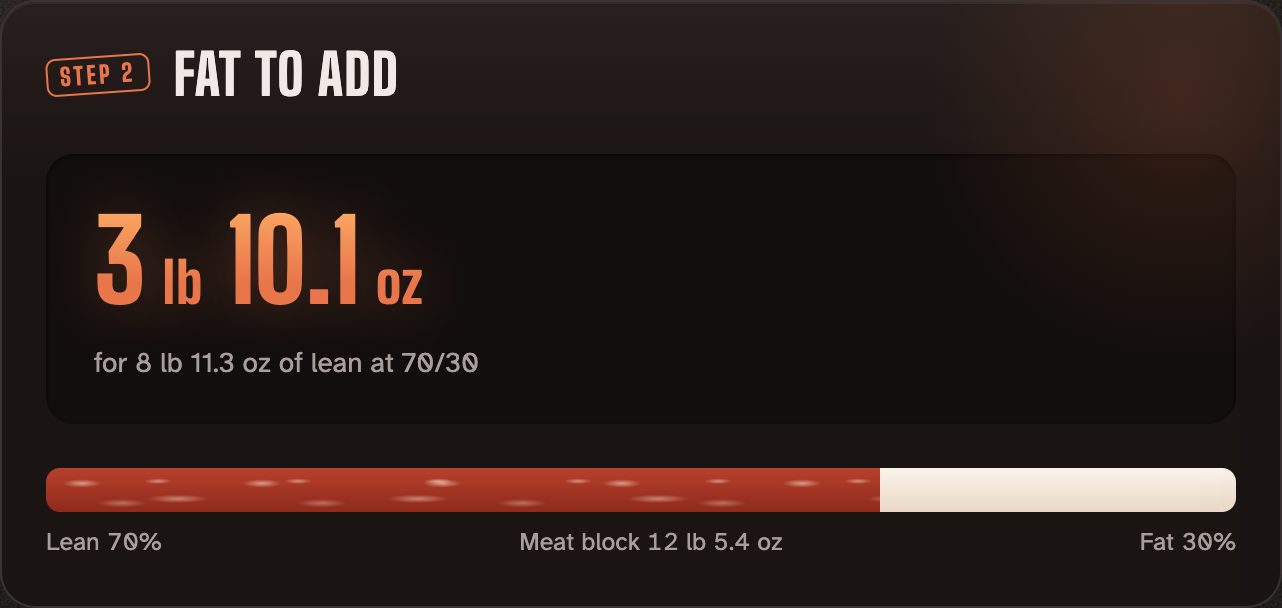
Step 2 shows how much fat to weigh out to hit your ratio, with a bar showing the lean and fat split and the total meat block.
How it's worked out
Your lean meat already has a little fat in it, and your fat trim has a little meat on it. Linkulator allows for both, so the fat figure is more accurate than a simple 70/30 split.
Advanced extras
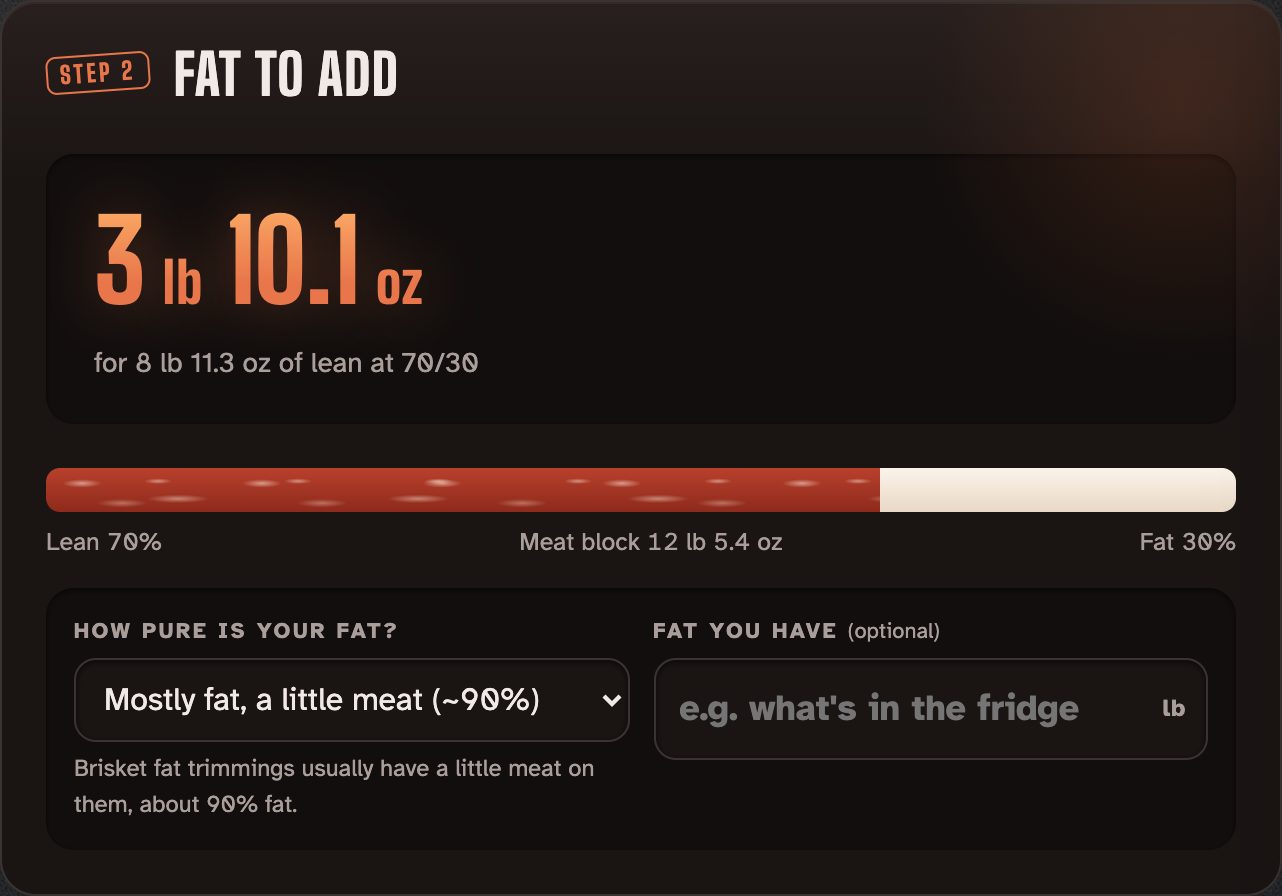
- How pure is your fat? Pure fat (100%), mostly fat (about 90%), fatty trimmings (about 75%) or your own figure. The more meat on your trim, the more of it you need.
- Fat you have: type what's in the fridge. Linkulator tells you if it's enough, or what ratio you'd get with what you have.