Linkulator › Help › Step 1: Meat & fat
Step 1: Meat & fat
Everything in Linkulator is worked out from your meat block: the total weight of lean meat and fat. Every other ingredient is a percentage of it, the way butchers do it.
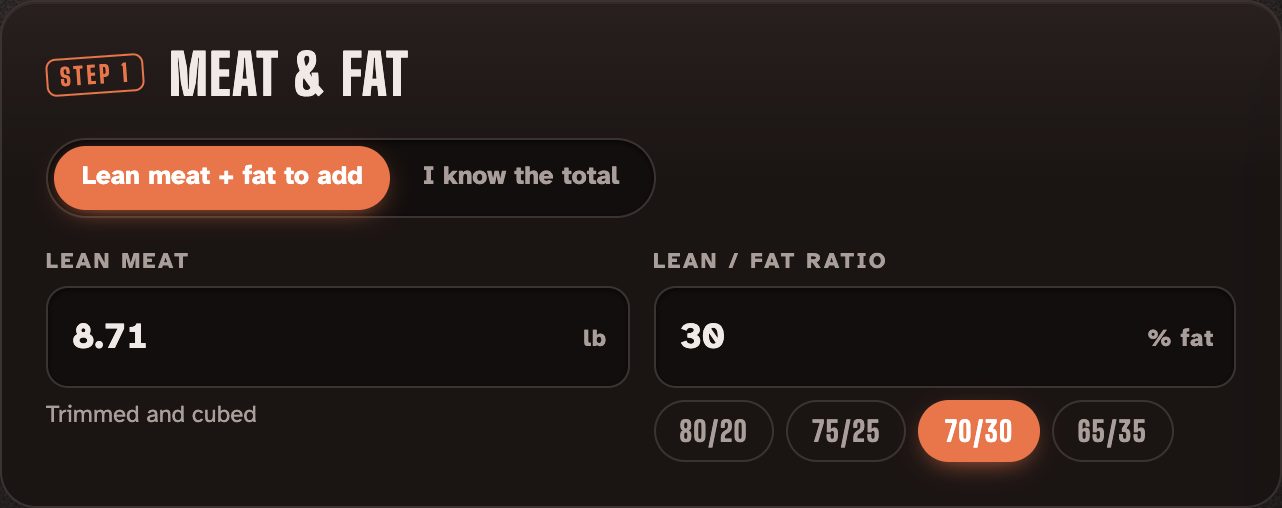
Lean meat + fat to add
Use this when you've trimmed your meat and want to add fat separately.
- Lean meat: the weight of your trimmed, cubed lean meat.
- Lean / fat ratio: tap 80/20, 75/25, 70/30 or 65/35, or type the fat %. 70/30 is a classic juicy smoked sausage.
I know the total
Use this when your meat already has the fat you want, for example pork shoulder, and you weigh it all together.
Advanced extras
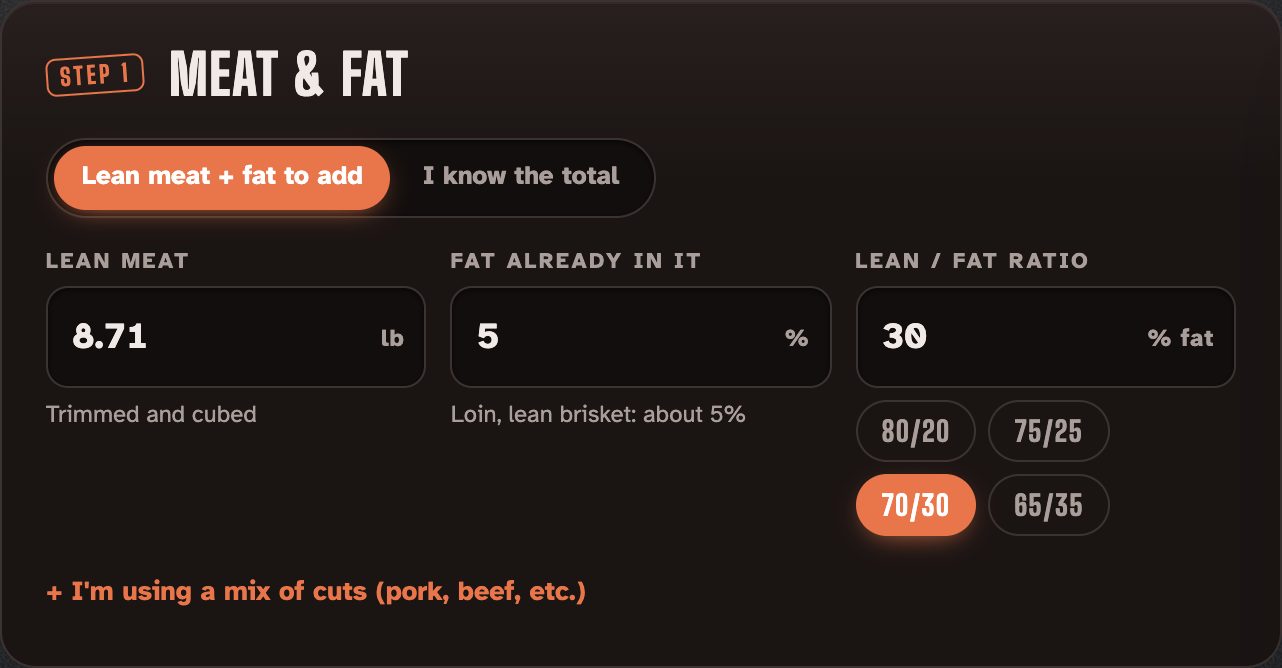
- Fat already in it: how fatty your "lean" meat is. Lean brisket or loin is around 5%.
- I'm using a mix of cuts: add each cut and its weight, and Linkulator fills in typical fat for each (pork shoulder about 25%, brisket flat about 10% and so on). It then blends them for you.