
Linkulator › Help › The butcher-paper sheet
The butcher-paper sheet
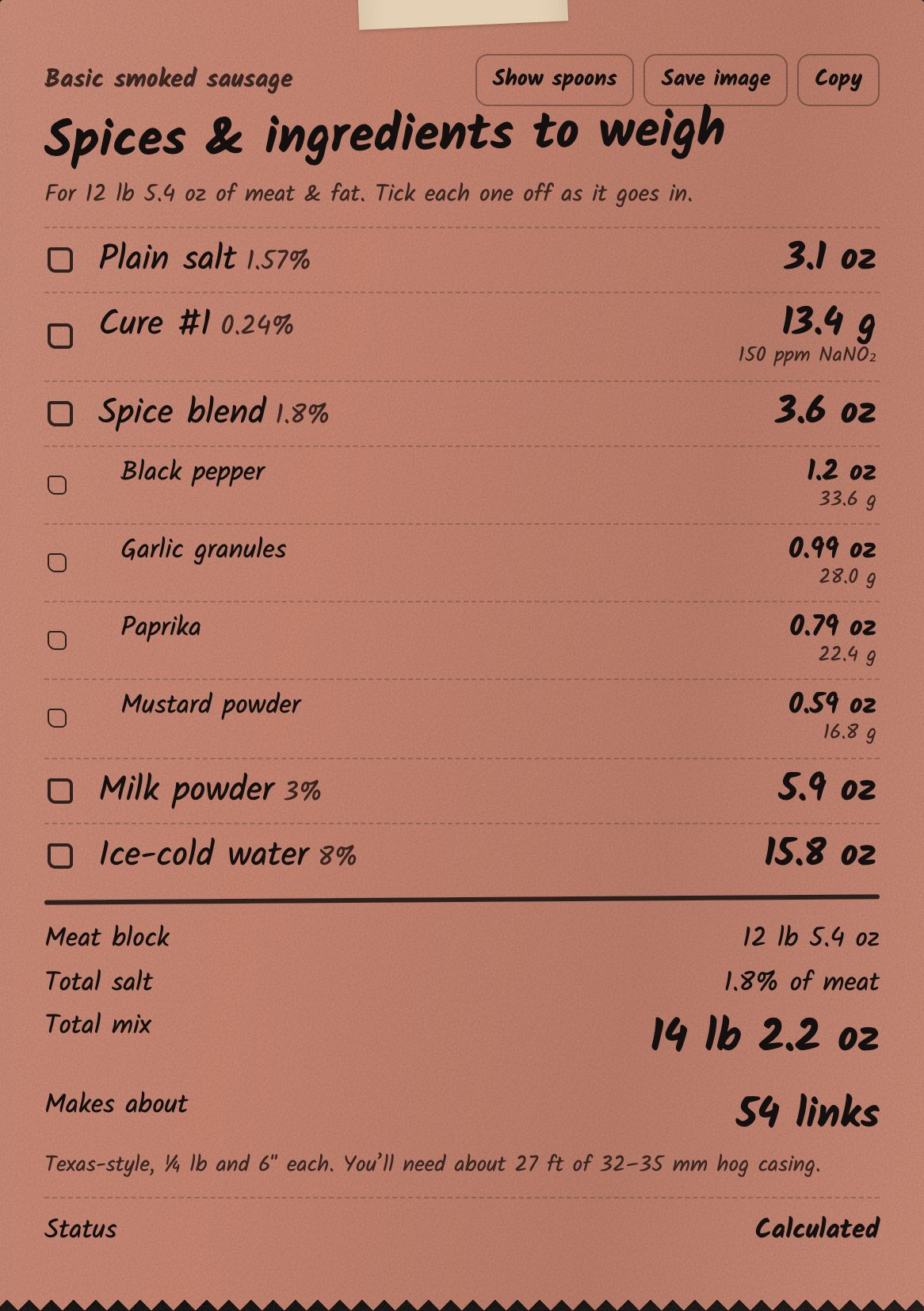
The butcher-paper sheet is your weigh-out list. On a computer it sits on the right and updates as you type. On a phone it's at the end, after the steps.
What's on it
- Every ingredient with its weight, including each spice in your blend.
- Tick each item off as it goes in. Tap again to untick, or use Clear ticks.
- The meat block, total salt, total mix and roughly how many links you'll get (Texas-style, ¼ lb and 6″ each), with the length of hog casing you'll need.
- The status: Calculated, Needs verification or Invalid. See Safety.
Buttons
- Show spoons: approximate spoon amounts for spices and ml for liquids.
- Save image: saves the sheet as a picture. On a phone it opens the share menu, so you can save it to Photos or send it by WhatsApp or email.
- Copy: copies the sheet as text.

Email this sheet opens your own email app with the sheet already written into a new message. Add who it's to and press send.